1
Choose a recipe
Open something you want to cook from your recipe collection.
Choose what you want to cook and add the recipe’s ingredients to your shopping list. Add anything else you need and keep the list handy at the store.
Download ReceptlyFrom recipe to shopping list ↓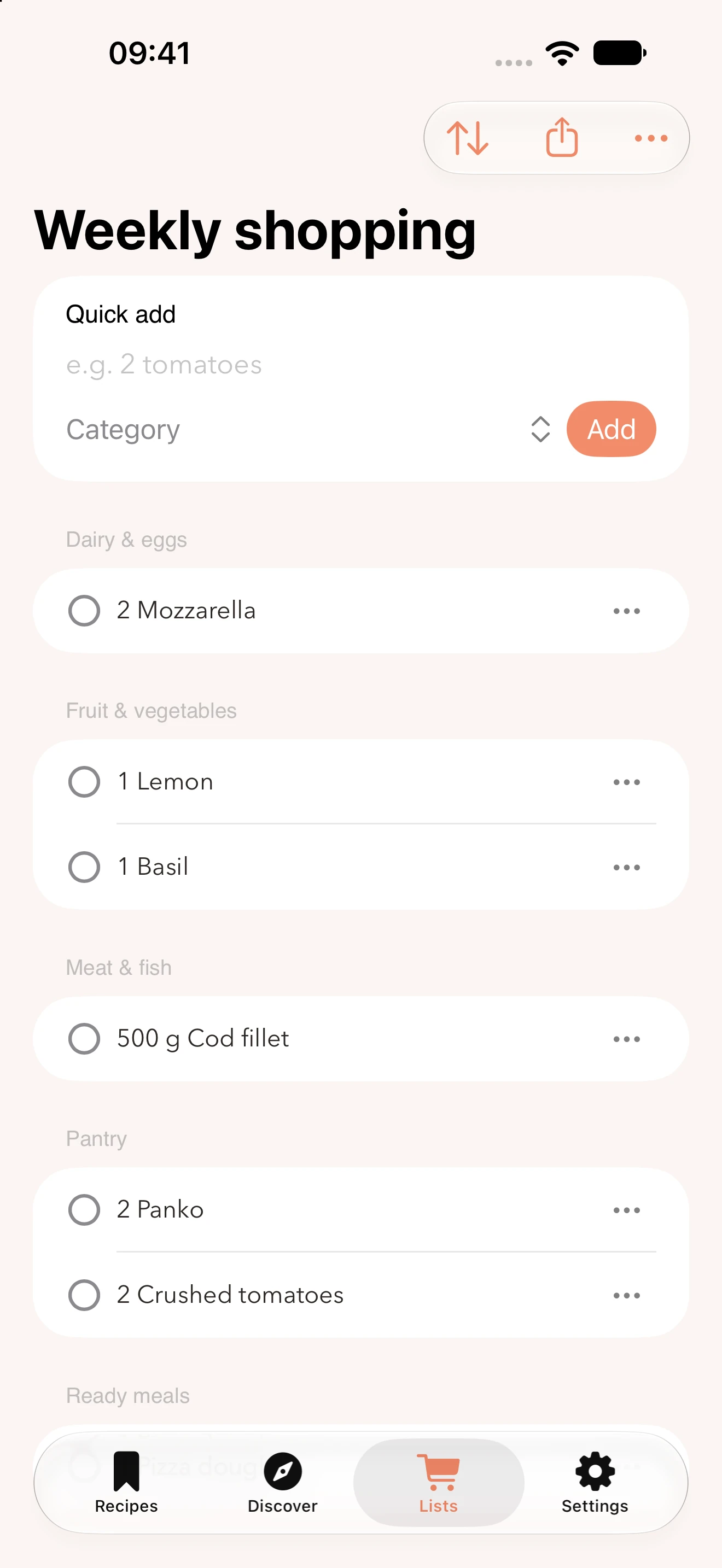
Let your recipes start your shopping list. Add the rest yourself to keep dinner ingredients and everyday essentials together.
Open something you want to cook from your recipe collection.
Add the recipe’s ingredients to your shopping list, along with any other items you need.
Open the list at the store and check off items as you go.
Add fruit, coffee or anything else you need at home alongside your ingredients.
Items are grouped into categories, making your list easier to browse while you shop.
Invite someone to share the shopping list so you can take care of the shopping together.
Yes. Open a saved recipe and add its ingredients to a shopping list. Check what you already have at home before you shop.
Yes. You can enter items directly into the shopping list. They don’t have to come from a recipe.
Yes. Use the share button in the shopping list to invite someone to share it with you.
Yes. Tap the circle next to an item to check it off once you’ve put it in your basket.
Yes. Receptly is available for iPhone and iPad running iOS 17 or iPadOS 17 or later.
Start with a recipe you want to cook this week.
Get Receptly on the App Store