1
Find something to cook
Open the video with the recipe on TikTok.
Found something you want to cook? Save the recipe from TikTok in Receptly and keep the ingredients, steps and photo together.
Download ReceptlyHow to save from TikTok ↓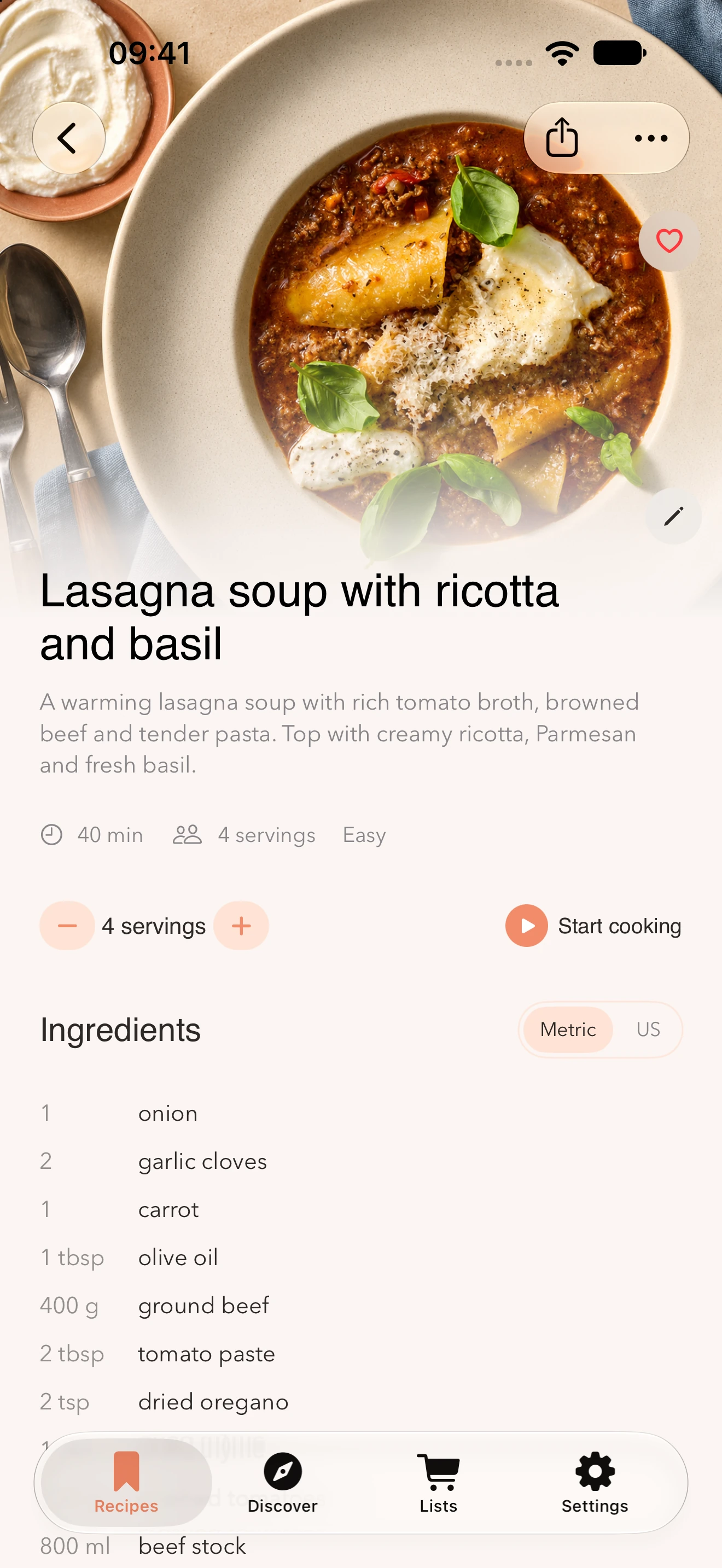
Start in TikTok and bring the recipe into Receptly. Next time, you’ll find it among your own favorites.
Open the video with the recipe on TikTok.
Share the link to Receptly, or copy it and paste it into the app.
Check the ingredients and steps. Save the recipe and open it when it’s time to cook.
See what you need and add ingredients to your shopping list.
Keep the instructions close at hand while you cook.
Collect weeknight dinners, weekend meals and dishes you want to make again.
Share the post’s link to Receptly or paste it into the app. Review the result before saving it to your collection.
The result depends on what can be read from the post. If recipe text is missing, you can add it yourself or try importing a screenshot that shows the recipe.
Yes. You can edit the recipe and adapt it to the way you like to cook.
Yes. Receptly can also collect recipes from websites, Instagram and photos, alongside recipes you add yourself.
Start with a recipe you’ve already saved on TikTok.
Get Receptly on the App Store