01
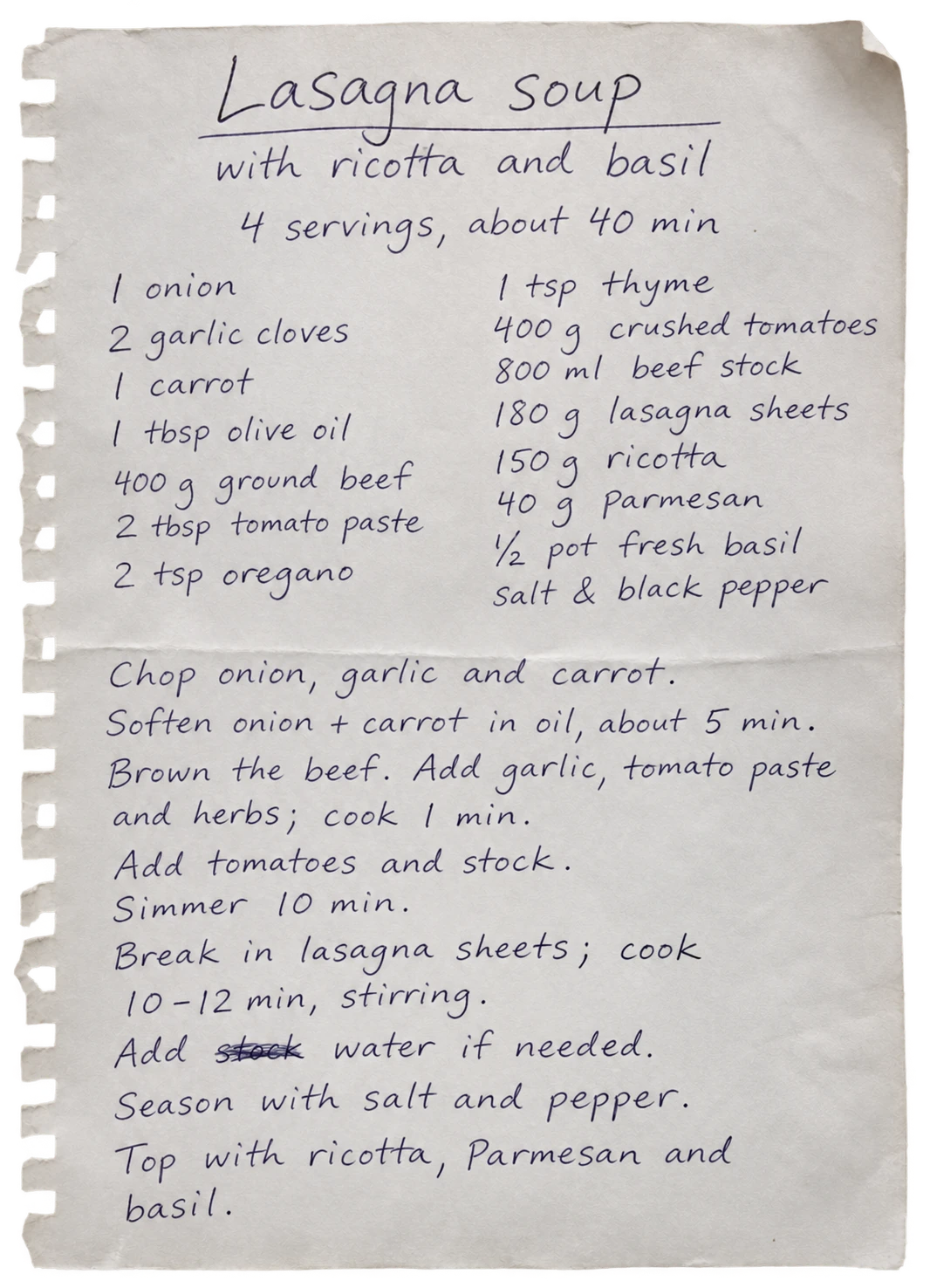
Choose a recipe image
Choose a photo or screenshot from your photo library, or photograph a recipe page. Make sure the ingredients and instructions are visible.
The cookbook page you keep coming back to. The recipe in your family chat. The screenshot you want to cook from. Keep them as digital recipes in Receptly.
Download ReceptlySee how it works ↓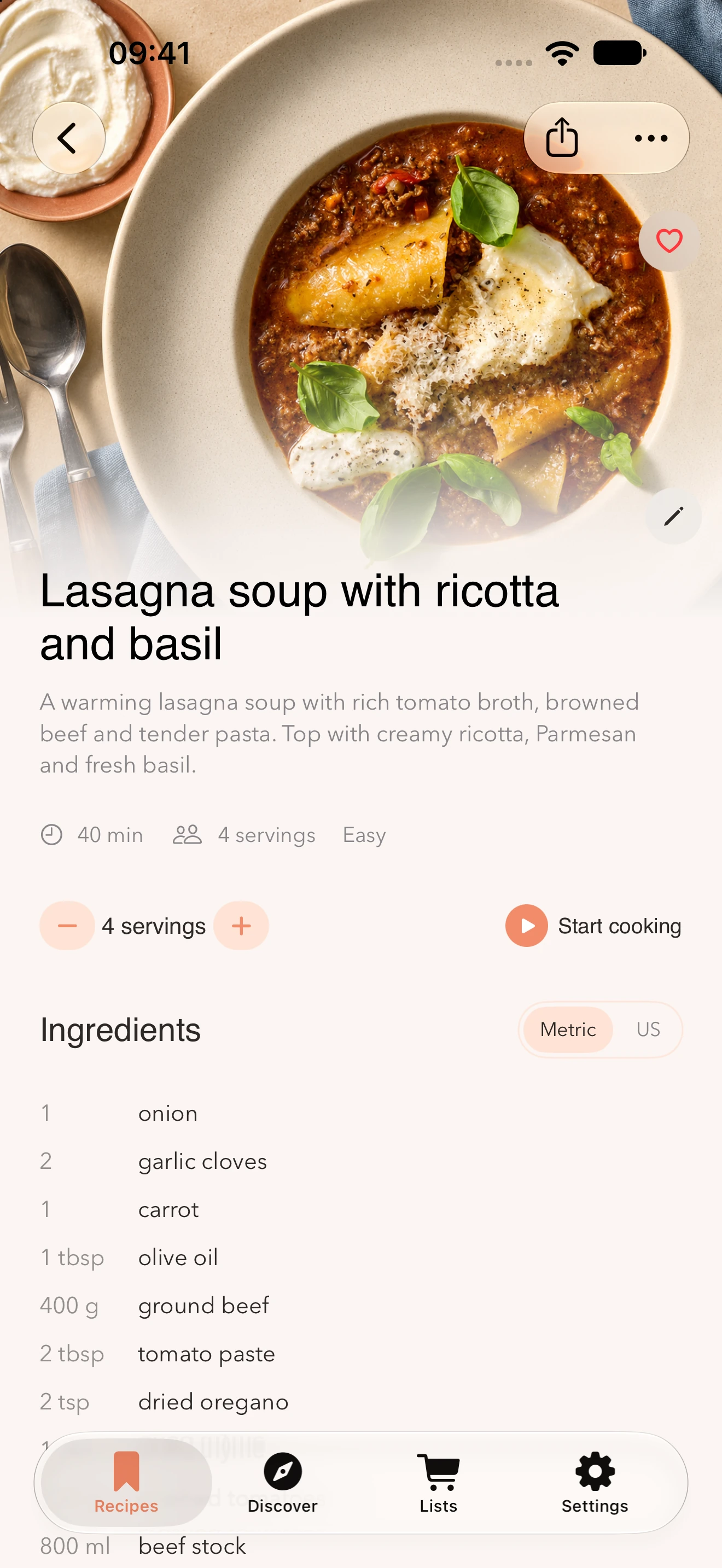
From a handwritten note to a recipe in Receptly.
Receptly reads the recipe text in your image. Check the result and save it alongside your other favourites.
Choose a photo or screenshot from your photo library, or photograph a recipe page. Make sure the ingredients and instructions are visible.
Review the title, quantities and steps. Correct any mistakes before saving, especially when the text is small or handwritten.
Your recipe is now in your collection. Find it again, edit it and use it whenever you are ready to cook.
Check that no quantities or steps are cut off at the edge of the image.
Avoid glare, shadows and blurry text. Photograph the page as straight on as possible.
Check fractions, units and temperatures. Keep the original image so you can compare it later.
Yes. Select the screenshot from your photo library in Receptly. The image needs to contain readable recipe text, not just a photo of the finished dish.
Yes, you can photograph the recipe text and import it. Make sure the whole recipe is clearly visible and check the result before saving.
You can try, but the result depends on how clear the handwriting and image are. Check ingredients, quantities and instructions especially carefully.
Yes. You can edit the saved recipe to correct the text or adapt it to the way you cook.
Yes, Receptly is available for iPhone and iPad. You need iOS 17 or iPadOS 17 or later.
Start with a recipe already in your photo library.
Get Receptly on the App Store