Save the recipe
Save a recipe from a website, social link or photo and open it in Receptly.
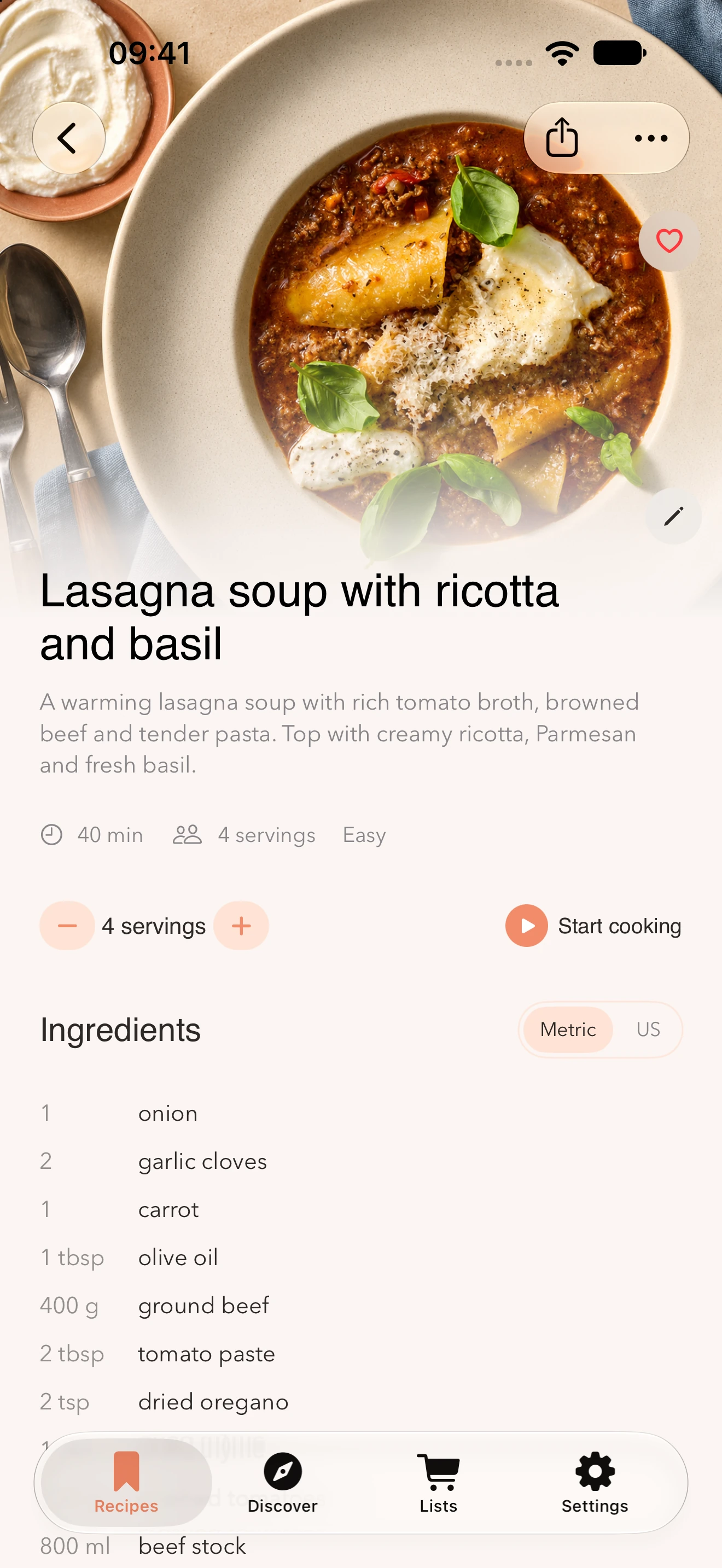
Translate ingredients and cooking steps in a saved recipe. Read the recipe in your language and switch back to the original whenever you want to compare.
Download Receptly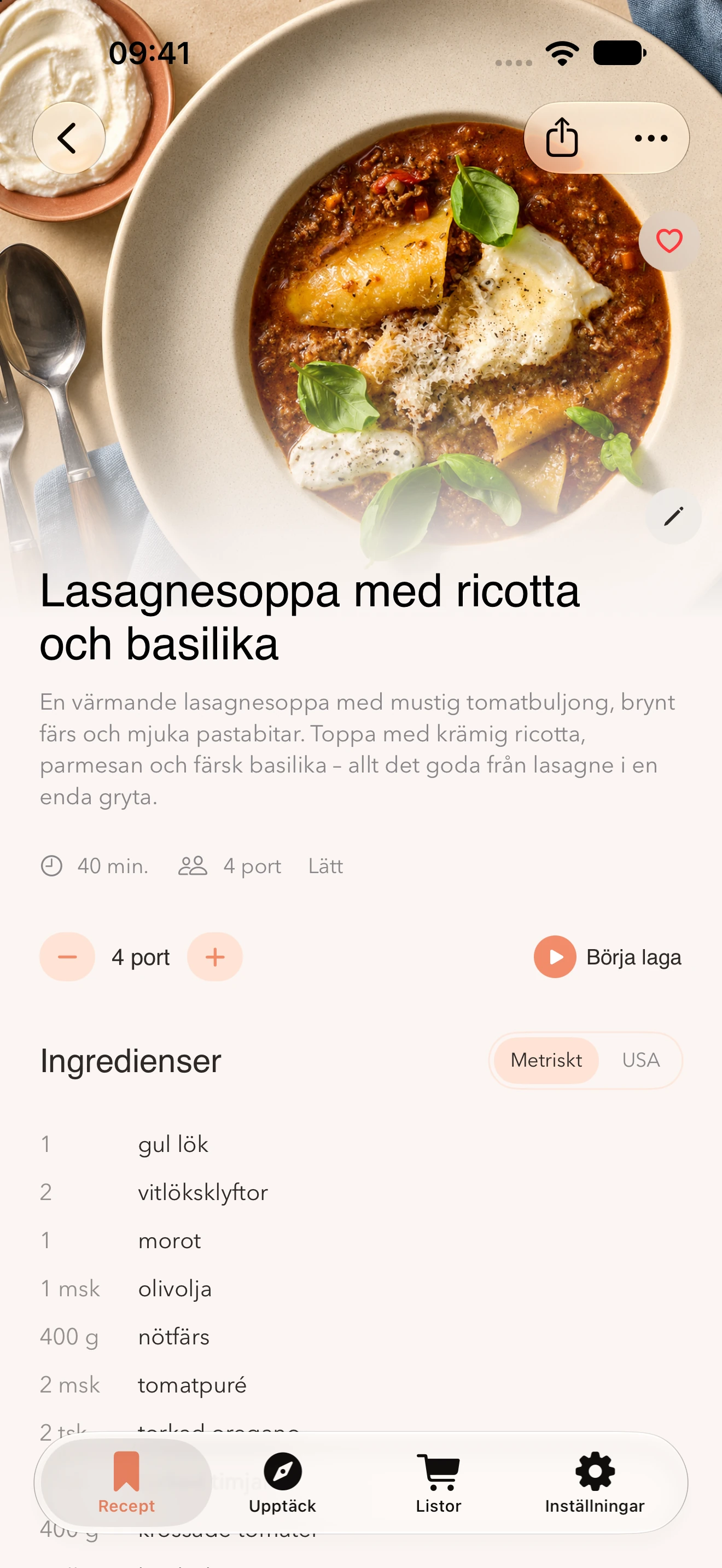
Save a recipe from a website, social link or photo and open it in Receptly.
When the recipe is in another language, tap the globe to translate it into your preferred language.
Review the ingredients and steps. Tap the globe again to see the original.
Ingredient names and cooking terms can vary by country. Check the original recipe if something is unclear.
Switch between metric and US measurements next to the ingredients.
Receptly translates the available recipe text, including the title, ingredients and cooking steps.
Yes. Tap the globe again in the translated recipe to see the original text.
Yes. Translating saved recipes requires Receptly Pro.
Yes. Choose Metric or US next to the ingredients.
Save a recipe you want to try and read it in your language.
Download Receptly